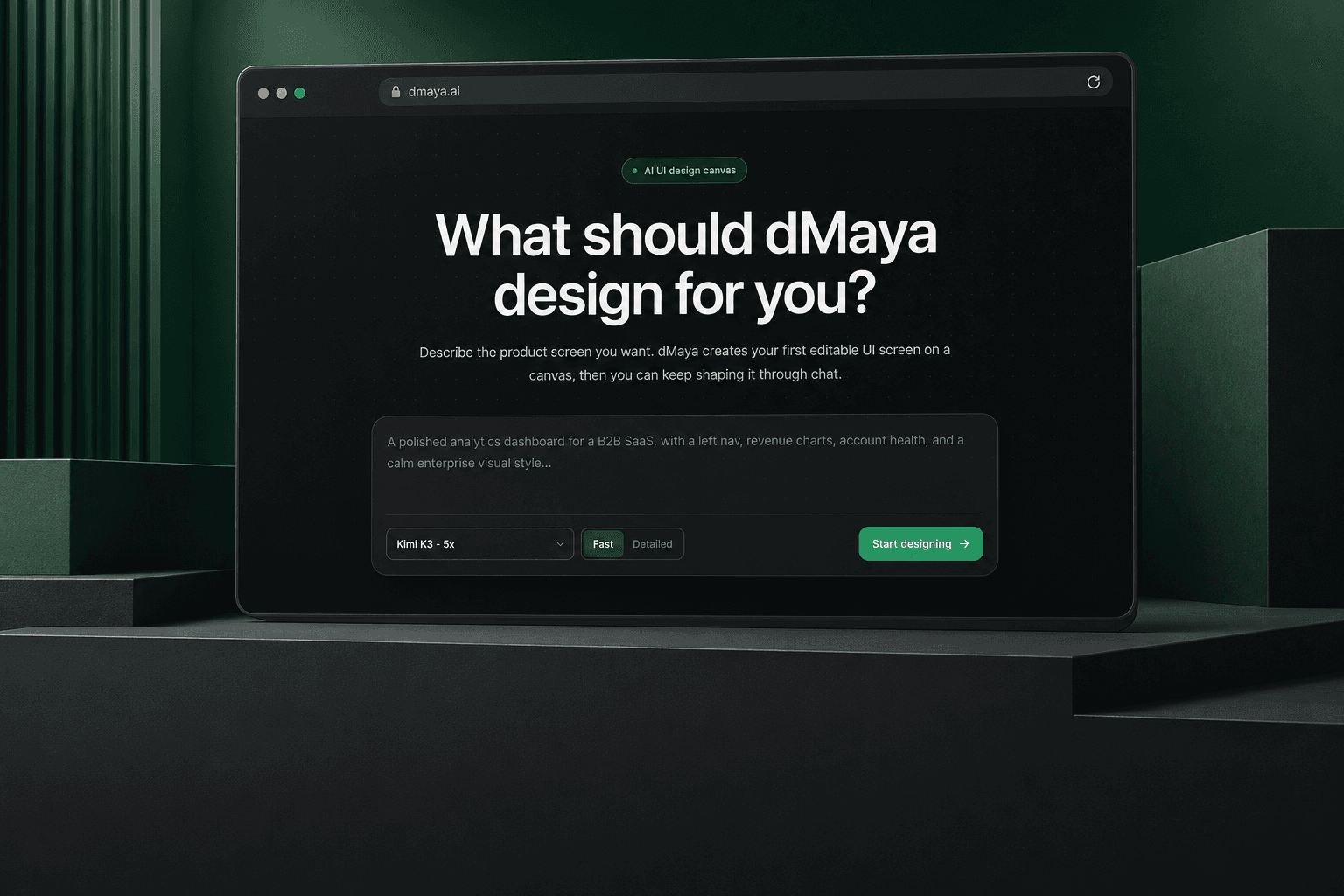
01 / The product in use
One idea. A whole set of screens.
Watch the real product create and refine connected designs.
- 01
Describe your idea
A website, an app or a new screen.
- 02
See it take shape
Connected designs on one canvas.
- 03
Make it yours
Refine the details through chat.
- 04
Take it further
Export to code or Figma.
02 / The challenge
Good designs need to work together.
We built for the next screen, the next change and the next person working on the design.
One consistent design
Reusable components and shared styles.
Changes you control
Focused edits. Previous versions kept.
Output you can use
Review, export and keep building.
03 / AI engineering
We built the system behind the conversation.
A custom agent harness connects the AI to the project, its tools and the design canvas.
Project context / Tool execution / Live updates
How the harness works
Understand
Reads the existing project.
Plan
Decides what needs to change.
Create
Uses tools to build the design.
Refine
Responds to the next request.
The project travels with each request.
Existing screens, reusable components, design rules and saved project notes give the agent context for its next action. Streaming updates show progress, while version history supports continued editing.
Inside the build / Project context
The next screen belongs to the same product.
We connected the AI to existing screens and shared design rules, so each new request can build on the work already there.
Consistent screens. Reusable components and shared styles.
Controlled changes. Focused edits and previous versions.
Shared components. Shared styles. A design that belongs together.
04 / Export & integration
The design is a starting point.
The output is yours to work with.
We built code export and an HTML-to-Figma engine to carry the work into development and design.
<!-- Your interface, as web code -->

<section class="project-overview">
  <header>
    <h1>Project overview</h1>
    <p>Keep the work moving.</p>
  </header>

  <div class="project-grid">
    <article class="project-card">
      <h2>Design review</h2>
    </article>
  </div>
</section>
Web code
Export HTML with CSS and Tailwind styling for developers to continue building.
Project overview
Keep the work moving.
Editable Figma layers
Supported layouts, text and styling rebuilt for design teams.
Illustrations of the export formats. Conversion engine and Figma plugin built by Ekyon.
05 / Our contribution
Designed and built
by Ekyon.
From the product experience to the systems that make it work.
- Product design
- The idea, journeys and interface.
- Web development
- Canvas, chat and live previews.
- AI engineering
- The custom agent harness.
- Figma integration
- Conversion pipeline and plugin.
Your next project
Let’s build something
worth putting into the world.
Product design, software development and AI engineering.